What is a PX to MM calculator?
A PX to MM calculator converts pixels into millimeters or millimeters into pixels. Unlike millimeters, a pixel does not always represent one fixed physical length. The correct conversion depends on the scale used in an image or the pixel density used for a screen, CSS layout, or print file.
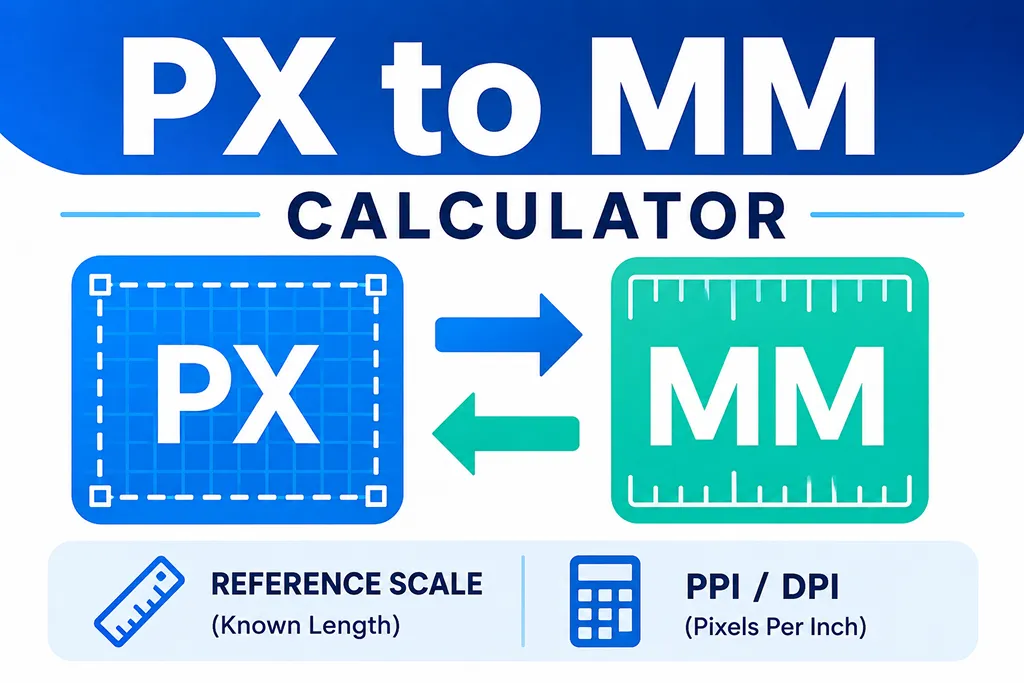
This calculator provides two methods. Reference Scale is useful when a known real-world length is visible in a floor plan, blueprint, screenshot, map, or product image. PPI / DPI is useful when the image density or CSS conversion basis is already known.
What is the difference between pixels and millimeters?
A millimeter (mm) is a physical unit of length. A pixel (px) is a digital unit used by images, displays, and web layouts. The physical size of one pixel can change with image density, display scaling, zoom level, printing settings, or the reference scale of the source image.
Use a reference scale for floor plans and images
Reference-scale conversion is often the most practical choice when measuring a floor plan or image. Suppose an object that is known to be 500 mm long measures 28 px in the image. The scale is calculated as follows:
1 px = 500 mm ÷ 28 px = about 17.8571 mm
Once the scale is known, any other pixel distance measured at the same zoom level can be converted with the same ratio. This is especially helpful for furniture layouts, room plans, diagrams, screenshots, and images without reliable embedded PPI metadata.
Reference-scale conversion formulas
- Pixels to millimeters:
input px × (reference mm ÷ reference px) - Millimeters to pixels:
input mm × (reference px ÷ reference mm)
PPI-based PX and MM conversion formulas
Because one inch equals exactly 25.4 millimeters, a known pixel density can be converted with these formulas:
- Pixels to millimeters:
px × 25.4 ÷ PPI - Millimeters to pixels:
mm × PPI ÷ 25.4
96 CSS pixels per inch
For CSS reference conversions, browsers define one CSS inch as 96 CSS pixels. Using 96 as the conversion basis gives approximately 3.7795 px per mm and 0.2646 mm per px. This is a CSS reference relationship and does not guarantee that one CSS pixel will measure exactly that size on every physical screen.
PPI and DPI are related but not identical
PPI usually describes pixels per inch in a digital image or display. DPI usually describes printer dots per inch. They are often entered as the same numeric density when estimating output dimensions, but actual print quality also depends on the printer, rasterization, scaling, and production settings.
PX to MM conversion examples
Which conversion method should you use?
Choose Reference Scale when measuring a floor plan, screenshot, diagram, map image, or any file where a known object length can be compared with a pixel measurement. Keep the image at the same zoom level while measuring both the reference object and the target distance.
Choose PPI / DPI when preparing print artwork, checking image output dimensions, or making a CSS reference conversion with a known pixel density.
Common PX and MM reference values
- At 96 PPI: 1 mm ≈ 3.7795 px and 1 px ≈ 0.2646 mm.
- At 150 PPI: 1 mm ≈ 5.9055 px and 1 px ≈ 0.1693 mm.
- At 300 PPI: 1 mm ≈ 11.8110 px and 1 px ≈ 0.0847 mm.
Important measurement notes
Changing browser zoom, image zoom, display scaling, or export settings can change the pixel measurement you see. When using a reference image, measure the known length and the target length under the same viewing conditions. For construction, fabrication, printing, or any precision-sensitive work, verify the final dimension against the original drawing, image metadata, printer specification, or a physical measurement.
Frequently asked questions
- Q. How many pixels are in 1 mm at 96 PPI?A. Approximately 3.7795 pixels. The calculation is 96 ÷ 25.4.
- Q. How many millimeters are in 1 pixel at 96 PPI?A. Approximately 0.2646 mm. The calculation is 25.4 ÷ 96.
- Q. Can I convert pixels to millimeters without PPI?A. Yes. Use Reference Scale when the image contains an object or dimension with a known real-world length.
- Q. Why does the same pixel value produce different millimeter sizes?A. Pixel density and image scale determine the physical size. A 300 PPI image uses more pixels per millimeter than a 96 PPI reference.