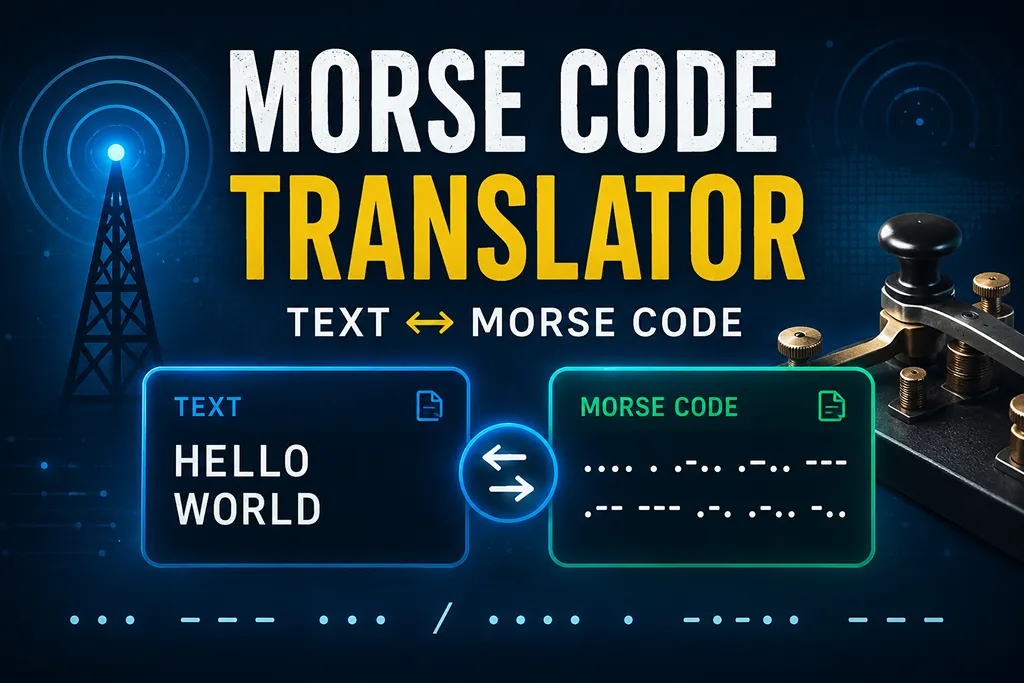
Convert English text, numbers, and common punctuation into Morse code, or decode Morse code back into plain text. Use
/ or three spaces to separate words.- This translator supports International Morse code for A-Z, numbers 0-9, and common punctuation. Unsupported characters are displayed in square brackets.
- For decoding, separate letters with spaces and separate words with
/, a vertical bar|, or three or more spaces.
What is a Morse code translator?
A Morse code translator converts letters, numbers, and punctuation into a pattern of short and long signals. In written form, the short signal is shown as a dot
., and the long signal is shown as a dash -. This tool can work both ways: text to Morse code and Morse code to text.How to write Morse code
In Morse code, each letter is written as a unique combination of dots and dashes. Letters are separated by spaces. Words are commonly separated by a slash
/. For example, ... --- ... means SOS, and .... . .-.. .-.. --- means HELLO.Quick Morse code examples
When this tool is useful
This Morse code converter is useful for learning the Morse alphabet, solving puzzles, creating classroom activities, checking SOS signals, building radio communication examples, or testing simple encoding and decoding logic. It is not an encryption tool, but it is a fun way to represent text using a classic communication system.
Text to Morse code
Choose Text → Morse code, enter an English word or sentence, and press Convert. Spaces between words are converted into
/. If the input includes unsupported characters, the result keeps those characters in square brackets. This makes it easy to spot symbols that are not part of the supported Morse table.Morse code to text
Choose Morse code → Text and enter a Morse sequence such as
... --- .... Use spaces between letters. Use /, |, or three or more spaces between words. The decoder will translate each valid Morse token back into a letter, number, or supported punctuation mark.Common Morse code chart
Tips for accurate decoding
Morse code depends heavily on spacing. If every dot and dash is correct but the spacing is wrong, the decoded text may look broken. Use one space between letters and a slash between words. For example,
.... .. / - .... . .-. . decodes as HI THERE.