
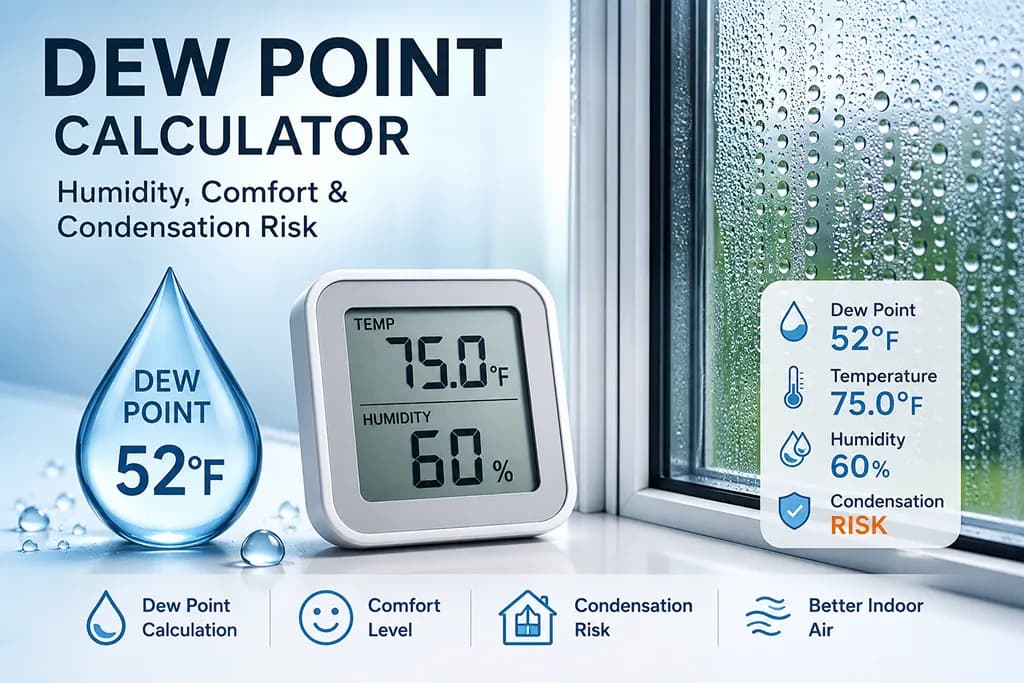
Enter air temperature and relative humidity to calculate the dew point. You can also add a window, wall, pipe, camera lens, or HVAC surface temperature to check whether condensation is likely.
- This calculator uses the Magnus approximation, which is suitable for everyday weather, indoor comfort, and condensation screening. It is not a certified industrial psychrometric instrument.
- Sensor accuracy matters. A small error in humidity or temperature can noticeably change the dew point.
- Surface temperature can vary across a window, wall, ceiling corner, duct, or camera lens. Check the coldest area when you are evaluating condensation risk.
- Heat Index Calculator — estimate how hot it feels from temperature and humidity.
What is dew point?
Dew point is the temperature at which air becomes saturated with water vapor. In everyday terms, it is the temperature the air would need to cool to before dew, fogging, or condensation can begin. A dew point calculator is useful because relative humidity alone can be misleading: 60% humidity on a cool day and 60% humidity on a hot day do not contain the same amount of water vapor.
When the dew point is close to the current air temperature, the air is near saturation and feels more humid. When the dew point is far below the air temperature, the air feels drier. This is why weather forecasters often use dew point to describe how muggy the air will feel, especially during warm weather.
How to use this dew point calculator
Enter the air temperature and relative humidity. The calculator will estimate the dew point, temperature-dew point spread, vapor pressure, and absolute humidity. If you enter an optional surface temperature, the calculator also checks whether that surface is cold enough for moisture to condense.
For example, if indoor air is 75 °F with 60% relative humidity, the dew point is much higher than it would be at 40% relative humidity. A cold window, basement wall, metal pipe, or camera lens that falls below that dew point can fog up or collect droplets even when the room air does not feel extremely humid.
Dew point vs relative humidity
Relative humidity tells you how close the air is to saturation at the current temperature. Because warm air can hold more water vapor than cool air, relative humidity can change simply because temperature changes. Dew point is often easier to compare across the day because it represents the moisture level more directly.
This is why a room can show a higher relative humidity at night after it cools, even if no new moisture was added. The dew point may stay similar, but the cooler air is closer to saturation. The “Same moisture, different temperature” table in the result is designed to make this relationship easier to understand.
Dew point comfort guide
Dew point is commonly used as a practical comfort signal:
- Below 50 °F: dry or crisp air
- 50–60 °F: generally comfortable
- 60–65 °F: slightly humid
- 65–70 °F: muggy for many people
- 70–75 °F: very humid and uncomfortable
- Above 75 °F: oppressive, especially with heat or poor ventilation
Condensation risk and surface temperature
Condensation happens when a surface is at or below the dew point. This is common on cold windows, exterior walls, basement surfaces, uninsulated ducts, metal pipes, beverage cans, eyeglasses, and camera lenses. If the calculator shows the surface temperature is very close to the dew point, a small drop in temperature can be enough to create fogging or droplets.
To reduce condensation risk, you can lower indoor humidity, improve ventilation, warm the cold surface, add insulation, or increase airflow around the surface. For homes, repeated condensation should be taken seriously because damp surfaces can contribute to mold, material damage, and poor indoor comfort.
Dew point formula used
This calculator uses the Magnus approximation with temperature in Celsius:
γ = ln(RH / 100) + aT / (b + T)Td = bγ / (a - γ)
In this implementation,
a = 17.625 and b = 243.04 °C. The calculator converts Fahrenheit input to Celsius internally, calculates dew point, and then converts the result back to the selected unit.FAQ
- Q. Can dew point be higher than air temperature?A. In normal unsaturated air, dew point is not higher than the air temperature. If the air temperature reaches the dew point, relative humidity is about 100% and condensation can begin.
- Q. Is a higher dew point always worse?A. Not always. A higher dew point means more moisture in the air. It can feel muggy in warm weather, but it may also feel less dry in cold indoor air.
- Q. Which is better for comfort, humidity or dew point?A. Dew point is often easier to compare because relative humidity changes with temperature. For heat comfort, it is still useful to look at temperature, dew point, wind, sun exposure, and activity level together.
- Q. Can I use this for mold prevention?A. You can use it as a screening tool for condensation-prone surfaces. For serious moisture, mold, or building envelope issues, use proper sensors and professional inspection.